

Copy normally
Use Snipping Tool or copy an image from a compatible Windows application.

From Everfixed Studios
LeanPasteA small Windows app with one job
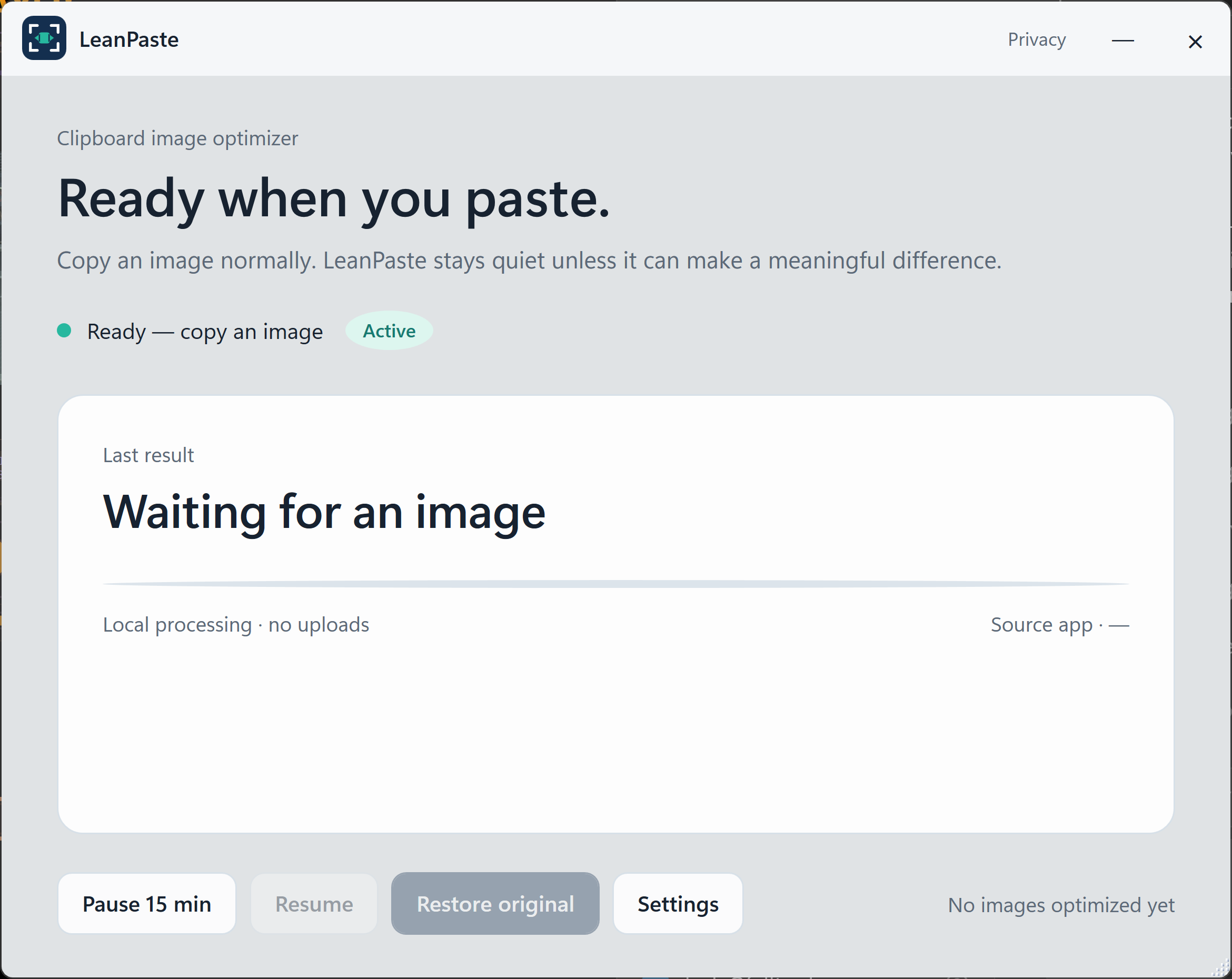
LeanPaste quietly makes suitable copied images smaller before you paste them. Copy normally. Paste normally. No separate compressor, upload, account, or new workflow.
Microsoft Store release in preparation · Planned $9.99 one time · 7-day trial
The problem hides in plain sight
Paste several screenshots into a report or presentation and the document can become unexpectedly heavy - slower to save, upload, share, or email. LeanPaste handles that cleanup step before paste when meaningful savings are possible.
Real output. No visual trick.
This is the output of LeanPaste's current image engine at its default quality setting. Drag the comparison to inspect the fabric texture, stitched edges, and fine pattern detail.
 Before · 3.21 MBAfter · 439 KB
The original lossless image is 3.21 megabytes. LeanPaste produced a 439-kilobyte image at its default quality setting without changing the 1254 by 1254 pixel dimensions.
Measured, not promised
In our repeatable mixed-content test, the embedded image payload was 69.3% smaller in both Microsoft Word 2019 and PowerPoint 2019.
Results vary by image, settings, and destination application.Same mixed-content source at LeanPaste defaults.
Copy. Paste. Done.
Use Snipping Tool or copy an image from a compatible Windows application.
Local processing decides whether optimization would produce worthwhile savings.
Your next paste uses the smaller result when LeanPaste can help.
Conservative by design
LeanPaste does not convert everything blindly. It stays quiet when an image should remain exactly as it is.
Small images are left unchanged.
Images with meaningful transparency are skipped.
Already-efficient images remain unchanged when conversion would not help enough.
Pause processing or restore the most recent original during the current session.
Your images stay on this PC
LeanPaste processes images locally in memory. It has no account, ads, analytics, telemetry, clipboard history, or external licensing server. Clipboard text is never read.
Built for screenshot-heavy work
LeanPaste is for Windows users who repeatedly paste screenshots into Word documents, PowerPoint presentations, technical notes, proposals, support material, and process documentation. If images are only occasional, you may not need it.
Simple on purpose
No subscription, external LeanPaste account, or paid feature maze. Microsoft Store will handle installation and updates.
One-time Microsoft Store purchase
Questions worth asking
No. Image processing happens locally on your Windows PC. LeanPaste has no image-upload, account, analytics, advertising, or external-licensing service.
No. LeanPaste reacts only when Windows reports image content. Clipboard text and window titles are never read.
No - and that is intentional. Small, transparent, and already-efficient images may remain unchanged. LeanPaste steps in only when its savings threshold is met.
Yes. The most recent original image can be restored during the current session until it is replaced, restored, or the app exits.
The current package targets Windows 10 version 2004, build 19041, or later on Windows desktop devices. Final requirements will match the submitted Microsoft Store package.
LeanPaste by Everfixed Studios
Microsoft Store release in preparation.
Questions? Visit LeanPaste support.Microsoft, Windows, Word, and PowerPoint are trademarks of the Microsoft group of companies. LeanPaste is not affiliated with or endorsed by Microsoft. Test results vary by image, settings, software version, and destination application.